
How to book
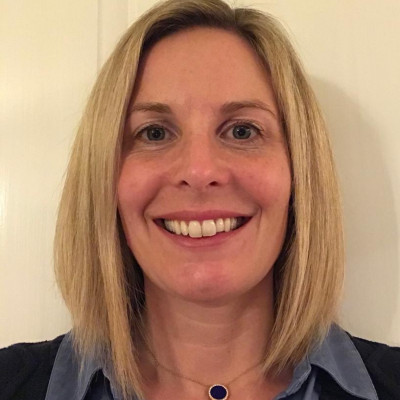
Your contact for this event is Katy Webster.
All the information you need is on this page, but Katy is also on hand to answer any queries you might have. You can find her contact details at the bottom of this page.
Save your FREE spot on Crowdcast
Click the button below which will take you to our Crowdcast page. Once you're there, simply follow the instructions to 'Save Your Spot' for the event. You will need to use the same email address to access the live broadcast on the day of the show.
PLEASE NOTE Each teacher or device accessing the event must register individually. For example, if three teachers in the same school would like to watch the performance, they will each need to register with their own email address and use the link they are sent to access the event.
Save your place for Marta Altés Digital Event
Save your place for Q&A with Kwame Alexander
For more detailed help see our FAQs below.
FAQs
Do I need to pay to attend this performance?
No. The Children's Bookshow is pleased to offer this event free of charge.
Will I be able to comment during the event?
Yes, teachers can comment in the chat function on Crowdcast. We love to hear from our audience.
Will I be able to ask a question during the event?
Yes if you are watching on Crowdcast you can enter your questions in the 'Ask A Question' box.
What is Crowdcast?
Crowdcast is the digital platform that the Children's Bookshow uses for digital events. It is simple to use and interactive. You will be able to access the chat, as well as ask a question before and during the live show.
Can I share my Crowdcast link?
No. Each person that wishes to access the event will need to register separately. For example, if three teachers in the same school would like to watch the performance, they will each need to register with their own email address and use the link they are sent to access the event.
Can I use my Crowdcast link on several different devices?
No, but you will be able to broadcast from your class laptop to the whiteboard. Or you could get all the children into the hall and broadcast from the whiteboard there.
Is there anything I should know?
Crowdcast is very straightforward to use - there is nothing to download but you will need to create an account, and use Chrome internet browser. Crowdcast does not work on Safari or Internet Explorer.
This is a very useful checklist to help you with technical issues.
Will I be able to watch a recording of the event after it has finished?
Yes. The recording will be available on Crowdcast for you to watch again.
Can I watch this event on YouTube?
Yes. We will be streaming this event to YouTube simultaneously. If you watch on YouTube, you will not be able to ask questions or comment in the chat.
thechildrensbookshow.com/Watch the event on YouTube
On the day of the event
- Click on the Crowdcast link at least 10 minutes before the event starts.
- You might need to enter your email and password.
- Say hello in the chat box.
- Wait for the event to start, sit back and enjoy.
- Please write any questions you have in the 'Ask A Question' box - we'd love to hear from you.
- If you are having any trouble logging in on Crowdcast, please email us on digital@thechildrensbookshow.com
Please get in touch with Katy if you have any questions.
katyw@thechildrensbookshow.com
07904 068084